01
Data lives in D365
Your customers live on their phones. Your data lives in Dynamics 365. Bridging the two usually means a six-figure mobile project and a team that doesn't exist.
Haiko Studio is a platform for Dynamics 365 customers to ship native mobile apps for the people outside the organisation — customers, tenants, applicants, members, patients, citizens. CRM developers configure the app in the Haiko Portal, pointed at your Dynamics 365. Haiko generates the code, builds the binary, and ships it to the stores.
Your customers live on their phones. Your data lives in Dynamics 365. Bridging the two usually means a six-figure mobile project and a team that doesn't exist.
Customers expect an app, not a login page in a browser. Web portals sit unused while support volumes stay where they were.
Auth, offline, push, accessibility, app-store submission — all rebuilt, often badly, every time someone commissions a CRM mobile app.
The people who understand your business logic know Dynamics — not Swift or React Native. The right team to ship the app isn't the team who can.
Cases, claims, bookings, repairs, applications — the records that belong to them, scoped to their identity.
Forms and multi-step wizards, validated against D365 business rules. No re-keying, no lost submissions.
Status, timelines, next steps. Customers stop calling to ask where something is.
In-app chat with a case worker or support team, document exchange, and attachment uploads that land directly on the record.
News, FAQs, notifications, documents — pushed to the right cohort of contacts with D365-driven targeting.
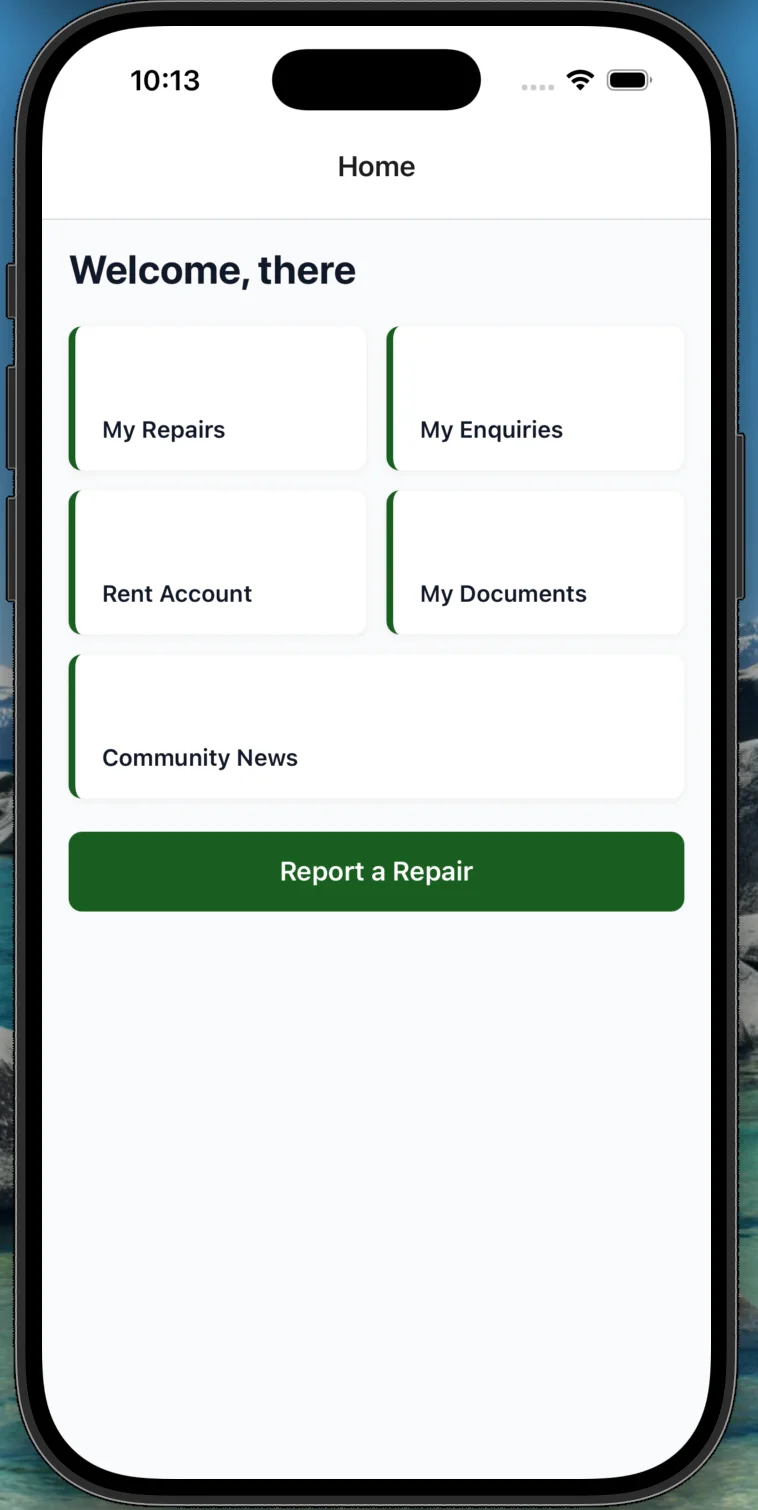
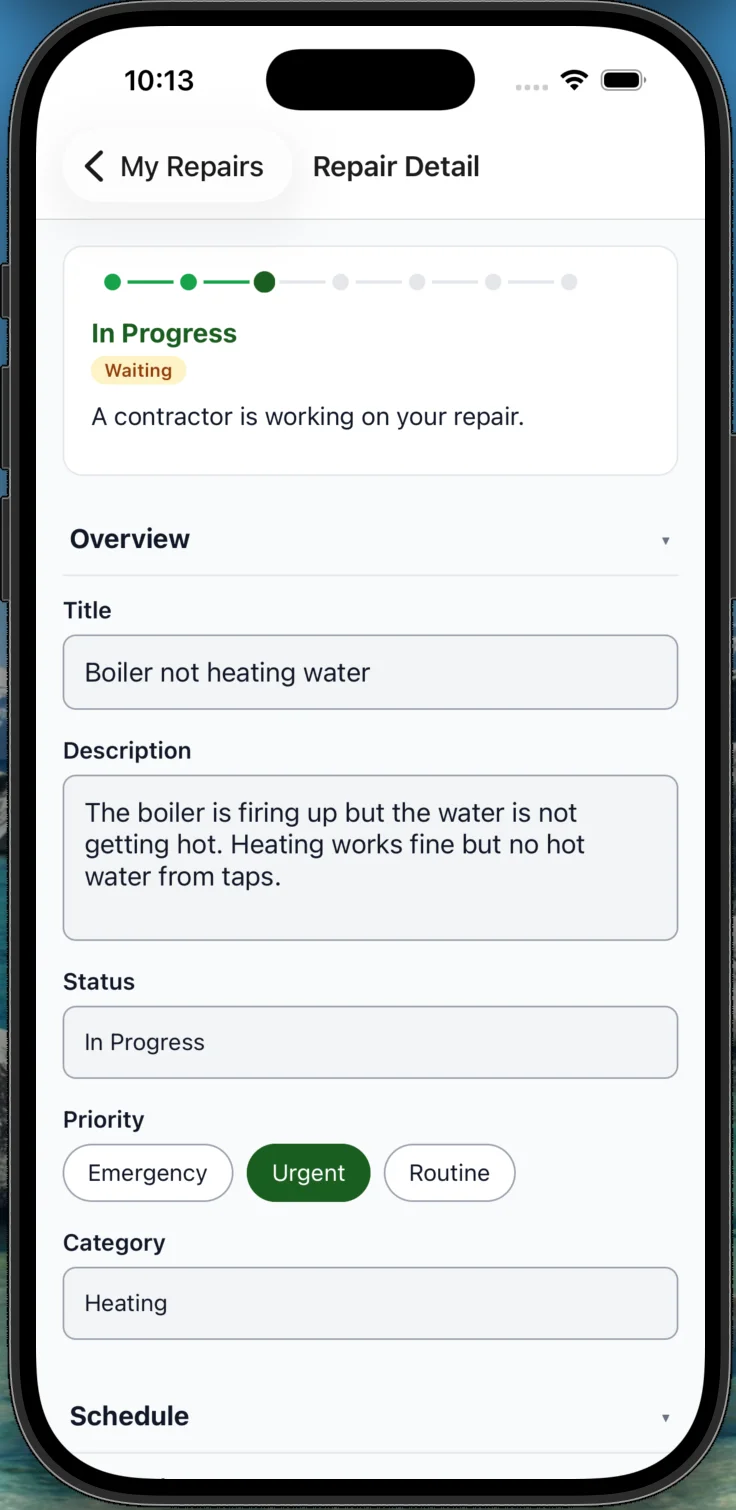
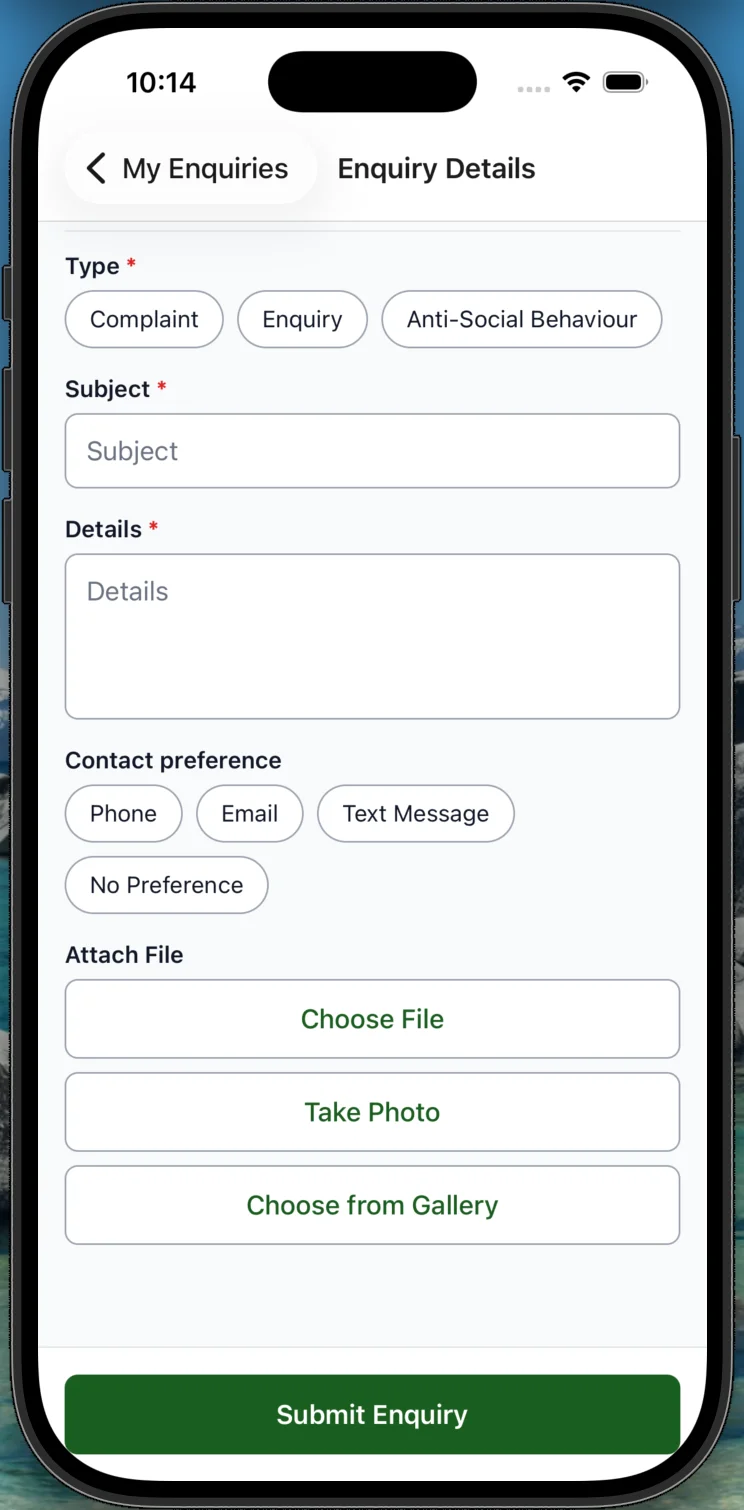
Your CRM team designs the app in the Haiko Portal — screens, forms, workflows, branding — all point-and-click. Haiko reads your Dynamics 365 schema so your existing tables and columns are right there to pick from.
React Native with Expo. Your brand, your icon, your listing on the App Store and Google Play. Not a web wrapper.
Microsoft Entra External ID ties every session to a specific D365 contact. Data is always scoped to the signed-in user.
WCAG 2.2 AA conformance is baked into every component in the @haiko/ui library. No retrofit, no third-party audit panic.
The runtime API, the identity tenant, and the data live in your Azure subscription. We don't hold your customers' data.
A CRM developer can open any generated screen and understand it. No black box, no vendor lock on the app layer.
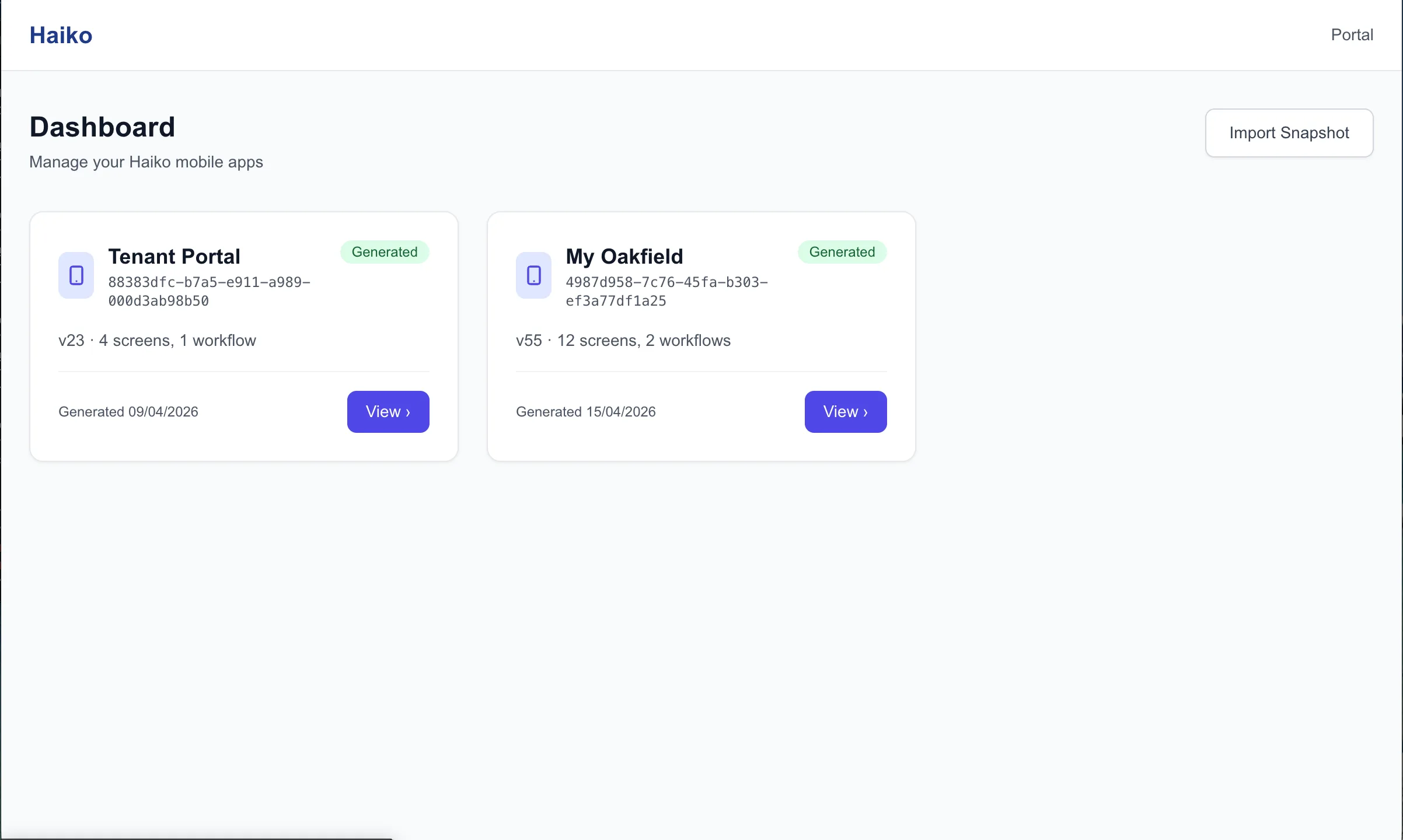
Day 1. Your CRM developer opens the Haiko Portal and designs the app — which lists contacts see, which forms they submit, which workflows they walk through. Haiko reads your Dynamics 365 schema, so your tables and fields are right there to pick from.
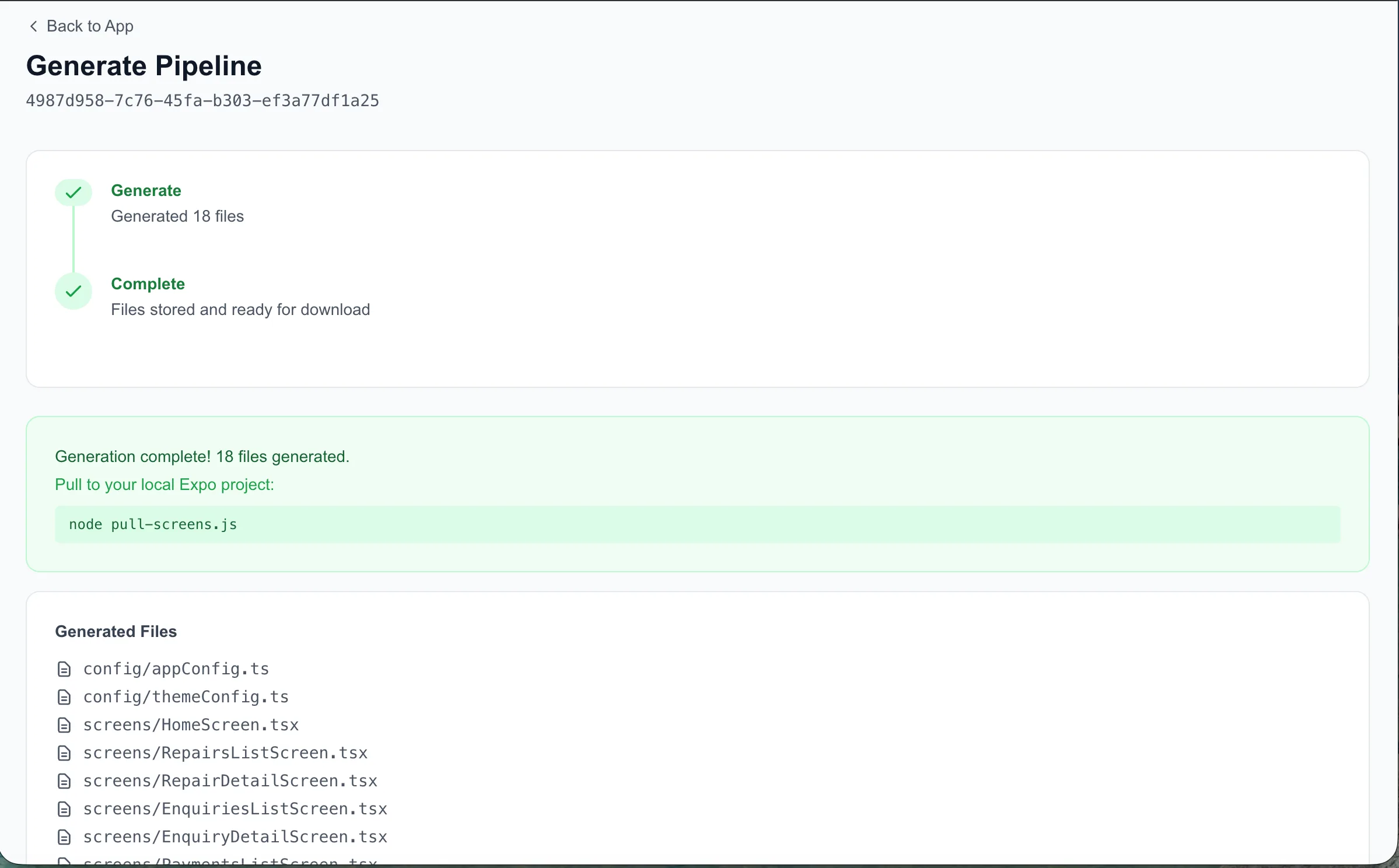
Minutes. In the Haiko Portal, one click exports the config and generates a working mobile app. Scan the QR code, run it on your phone in Expo Go. See real D365 data instantly.
Hours. Upload your logo, set your colours, point at your own Entra External ID tenant. The app is now yours.
Same day. Tweak a form in the Haiko Portal, regenerate, re-test. No release cycle, no ticket sitting in a mobile team's backlog.
One click. Haiko Studio kicks off a production build. Signed iOS and Android binaries come out the other side.
Managed. We handle the App Store and Google Play submission pipeline — screenshots, metadata, review responses.
Your customers download your app from the App Store, sign in with their existing contact record, and start self-serving.
Over-the-air. Most changes ship instantly via OTA updates. No new store review for a copy tweak or a new form.
Housing associations, local government, healthcare providers, professional services, membership bodies, financial services — any organisation where the value of the CRM depends on how the external contact experiences it.
Teams that have been quoted for a custom mobile app and stalled on cost, capacity, or risk. Haiko collapses the project into a configuration exercise.
Organisations running a web portal that nobody uses, watching call volumes and email queues climb regardless. Mobile is where the audience is.
Book a 30-minute demo. We'll walk you through the platform and how it could work for your organisation.